

Code Begins With Shape
Shop allPaths Through Markup and Style
-
-
Luma Capsule
Regular price €62,00 EURRegular price -
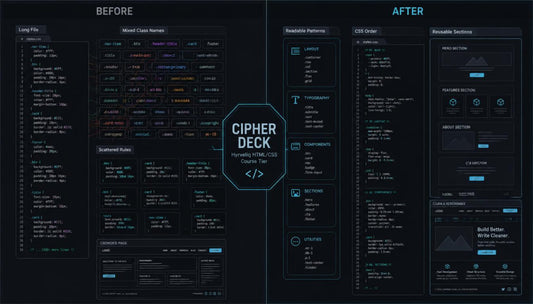
Cipher Deck
Regular price €118,00 EURRegular price -
Drift Pattern
Regular price €173,00 EURRegular price






Built From Curiosity and Clean Code
People Behind the Lessons
-

Antony Beard
HTML Structure Instructor
Antony works with core HTML topics, page sections, and clean markup habits. He prepares examples that show how tags shape readable page content. His materials keep each topic focused, calm, and practical. -

Edward O'Brien
CSS Layout Mentor
Edward focuses on spacing, alignment, containers, and section rhythm in CSS. He creates practice tasks that connect styling rules with real page parts. His work helps learners study layouts with clear direction. -

Nancy Bell
Page Structure Editor
Nancy reviews HTML course pages for order, clarity, and readable section flow. She adjusts examples so headings, text blocks, and links feel well placed. Her work keeps the learning path neat and coherent.


Teaching the Web, One Line at a Time


30-days refund guarantee
Small Details, Stronger Learning
-

Structured Modules
Each module follows a steady order, so learners can study without confusion.
-

Practical Tasks
Each task connects code with page parts learners can build and review.
-

Readable Examples
Each example shows HTML and CSS choices in a clean study format.
-

Calm Guidance
Each lesson explains core ideas with patient wording and focused practice.


As Seen On


Begin With Complimentary Materials
Notes From the Learning Path
-

Kamal Mclean
Kamal started Hyrveliq after trying to understand HTML tags and CSS rules from scattered notes. He needed a calmer way to connect page structure, styling, spacing, and simple layouts. The structured modules helped him study each topic in order and revisit examples without feeling lost.
“Free Node gave me a clear starting point and made the first HTML/CSS concepts easier to follow.” -

Harley Haynes
Harley joined with basic HTML knowledge, but CSS spacing and page sections still felt confusing. He wanted to understand why margins, padding, containers, and card layouts changed the full page. The practical exercises helped him compare small code changes and see how each choice affected the layout.
“The examples showed me how structure and styling work together inside a real page.”


